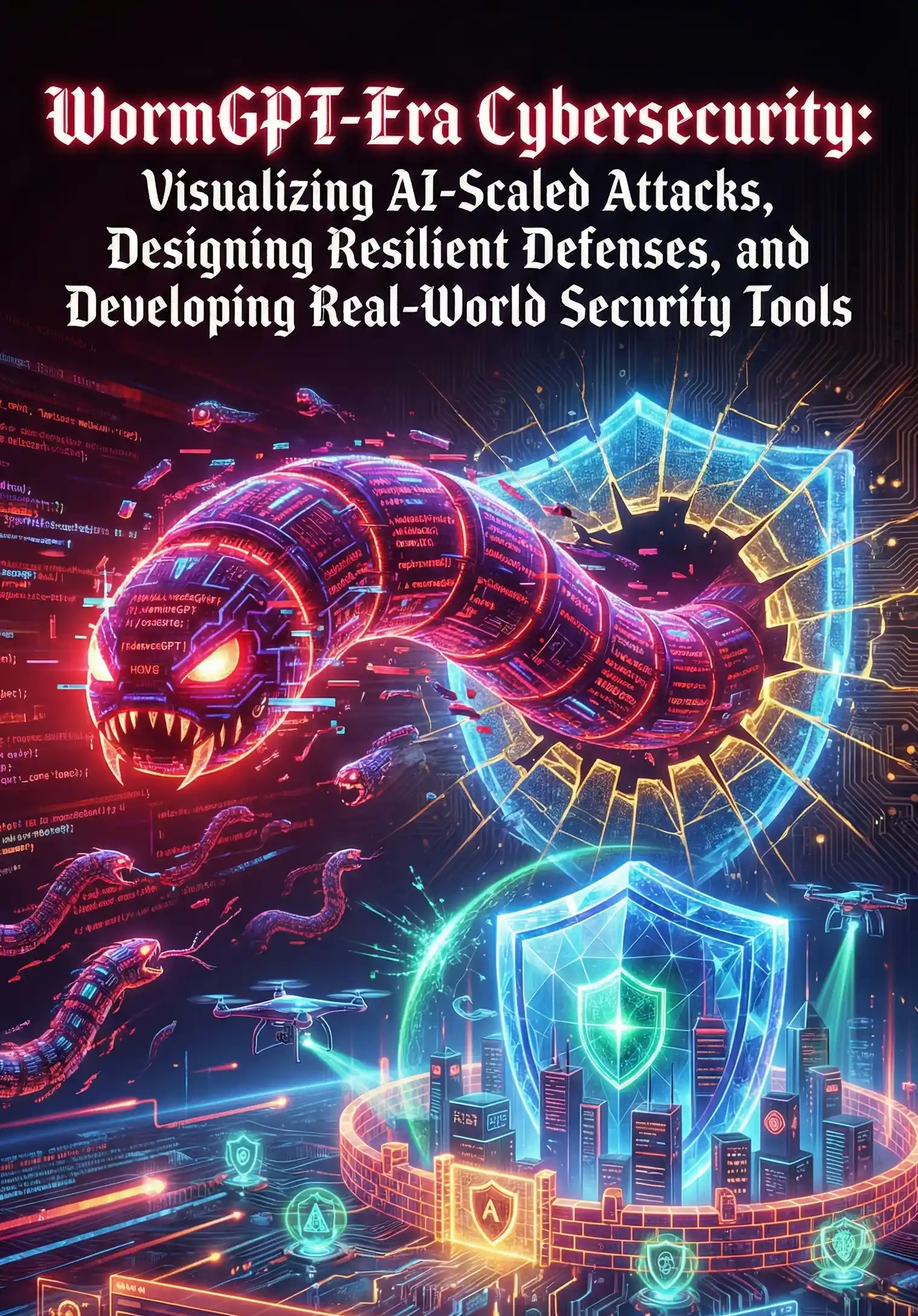
From Static to Strategic: Interactive Visualization for Threat Hunting
In the era of WormGPT and AI-scaled attacks, the velocity and volume of threat data have rendered traditional, static security dashboards obsolete. Security Operations Center (SOC) analysts, inundated with alerts from Security Information and Event Management (SIEM) systems, are often trapped in a reactive cycle. Static charts and periodic reports offer a snapshot in time, a historical record of a breach, but they fail to provide the dynamic, exploratory environment required for proactive threat hunting. The shift from static reporting to interactive visualization is not merely an upgrade in aesthetics; it is a fundamental evolution in security analytics, transforming data from a passive record into a strategic landscape for active defense.
Interactive visualization empowers the threat hunter to move beyond pre-canned queries and fixed dashboards. It is a human-in-the-loop paradigm where the analyst's intuition guides the exploration of complex, high-dimensional datasets. The core principle is direct manipulation: instead of writing a new query for every question, the analyst can click, brush, pan, and zoom through visual representations of data. This fluid dialogue between the analyst and the data accelerates the process of hypothesis testing, anomaly detection, and pattern recognition, which is critical when tracking the subtle, polymorphic behaviors of advanced AI-generated threats.
A truly strategic visualization platform for threat hunting is built on several key interactive features:
-
Linked Views and Brushing: This is arguably the most powerful technique. An analyst can select a cluster of suspicious IP addresses in a geographic map view, and immediately, all other linked views—such as a timeline of network events, a table of process executions, and a network graph of internal connections—are filtered to show only data related to that selection. This allows for rapid cross-correlation between disparate data sources, instantly revealing connections that would take hours to uncover with traditional log analysis.
-
Dynamic Temporal Analysis: Cyberattacks are not single events; they are narratives that unfold over time. Interactive timelines allow analysts to 'scrub' through time, expanding and contracting windows of interest to observe the sequence of an attack. They can play back events, identify the initial point of compromise, and trace the lateral movement of an adversary second-by-second, moving from a month-long overview to a minute-long burst of malicious activity.
-
Graph-Based Exploration: Modern attacks are a web of relationships between users, devices, processes, and network nodes. Interactive network graphs excel at visualizing these connections. A threat hunter can start with a single compromised user account and visually expand the graph node by node to uncover every machine they accessed, every process they spawned, and every external C2 server they communicated with. This makes mapping an attacker's footprint intuitive and comprehensive.
graph TD
    subgraph Interactive Threat Hunting Loop
        A[Initial Anomaly or Hypothesis] --> B{Interactive Exploration};
        B -- Drill Down --> C[Isolate Suspicious Cluster];
        C -- Brush & Link Views --> D[Correlate Across Datasets];
        D -- Pivot on Entity --> E[Expand Investigation Scope];
        E -- Identify TTPs --> F[Gather Forensic Evidence];
        F -- Validate Findings --> G[Conclusion: Benign or Malicious];
    end
    G -- Malicious --> H[Initiate Incident Response];
    G -- Benign --> I[Refine Detection Logic / Tune Alerts];
    I --> A;
The underlying technology often involves callback functions that link user actions to data queries. Below is a simplified Python pseudo-code example using a conceptual framework similar to Plotly Dash or Bokeh, illustrating how selecting data in one chart (e.g., a scatter plot of network traffic) can trigger an update in another (e.g., a table of process logs).
# Conceptual Python code for a linked visualization callback

@app.callback(
    Output('process_logs_table', 'data'),
    Input('network_traffic_scatter', 'selected_data')
)
def update_table_on_selection(selected_data):
    if selected_data is None:
        # If nothing is selected, show recent logs
        return query_recent_process_logs()
    else:
        # Get IP addresses from the points selected in the scatter plot
        selected_ips = [point['custom_data']['ip'] for point in selected_data['points']]

        # Query and return process logs only for the selected IPs
        return query_process_logs_by_ip(selected_ips)
This interactive capability is what elevates an analyst from a tactical alert responder to a strategic threat hunter. A tactical approach involves closing a single SIEM alert—for instance, 'Malware Detected on Host A'. A strategic approach, facilitated by interactive tools, allows the analyst to pivot from that single alert. They can instantly visualize all of Host A's communications, discover it also connected to Hosts B and C, identify the shared user account, and uncover the full scope of a widespread campaign. This process unearths not just the 'what' but the 'how' and 'why' of an attack, revealing the adversary's Tactics, Techniques, and Procedures (TTPs). These strategic insights are then used to build more resilient defenses, rather than just cleaning up a single infected machine.
Ultimately, the transition from static to strategic visualization is about augmenting human intelligence, not replacing it. In the face of AI-scaled attacks, our most potent defense is the combination of machine-speed data processing and the unparalleled pattern-recognition and contextual reasoning abilities of a human expert. Interactive visualization is the crucial interface that makes this synergy possible, enabling security teams to not only keep pace with the modern threat landscape but to stay one step ahead.
References
- Conti, G. J., & Raymond, D. (2018). Security Data and Analytics: Finding new threats, risks, and vulnerabilities with data science. Addison-Wesley Professional.
- Few, S. (2012). Show Me the Numbers: Designing Tables and Graphs to Enlighten. Analytics Press.
- Gove, R. (2019). Visualizing Security: A guide to building security dashboards and visualizations. Wiley.
- Heer, J., & Shneiderman, B. (2012). Interactive Dynamics for Visual Analysis. ACM Queue, 10(2), 30-55.
- Sanders, C., & Smith, J. (2013). Applied Network Security Monitoring: Collection, Detection, and Analysis. Syngress.